
Frame the location
Choose a castle, keep, border fort, citadel, palisade or fortified compound. Add a scale, owner and defence tier.
Give the stronghold a place in your story.
Prepare defensive zones, garrison notes, supplies and private weaknesses in a stronghold dossier. Review its exterior for players and keep the version you accept.
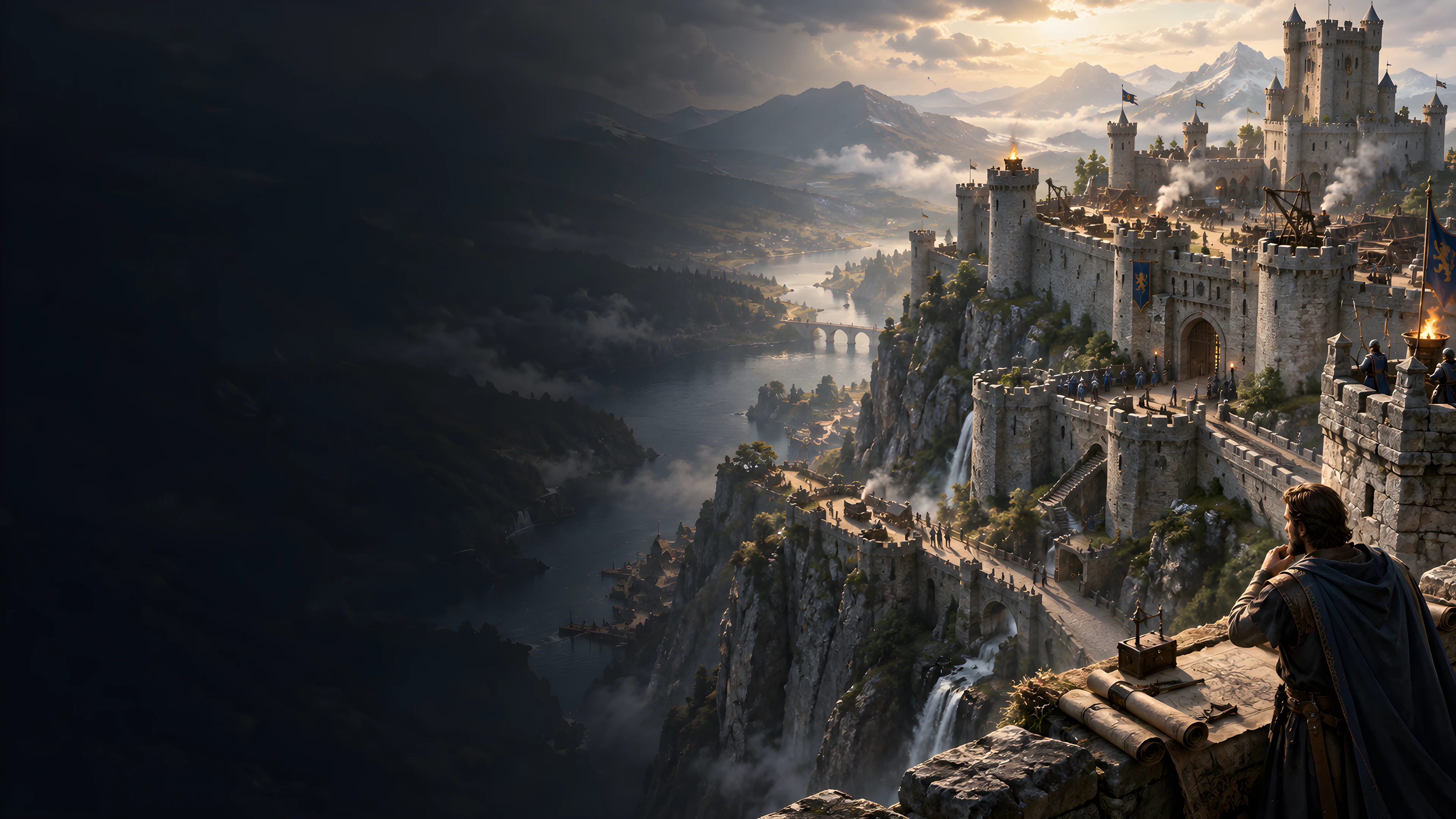
Prepare a place worth exploring
Use an authored defensive-location dossier as a starting point, then review it for your setting.
Choose a castle, keep, border fort, citadel, palisade or fortified compound. Add a scale, owner and defence tier.
Review the approach, gatehouse, courtyard, barracks, command core and service yard. Descriptions do not provide graphical geometry.
Use staffing estimates, officers, patrols and supply notes as preparation prompts. Apply your own rules and individual statistics.
Review private weaknesses, secrets and problems, then share only the exterior you have checked for players.
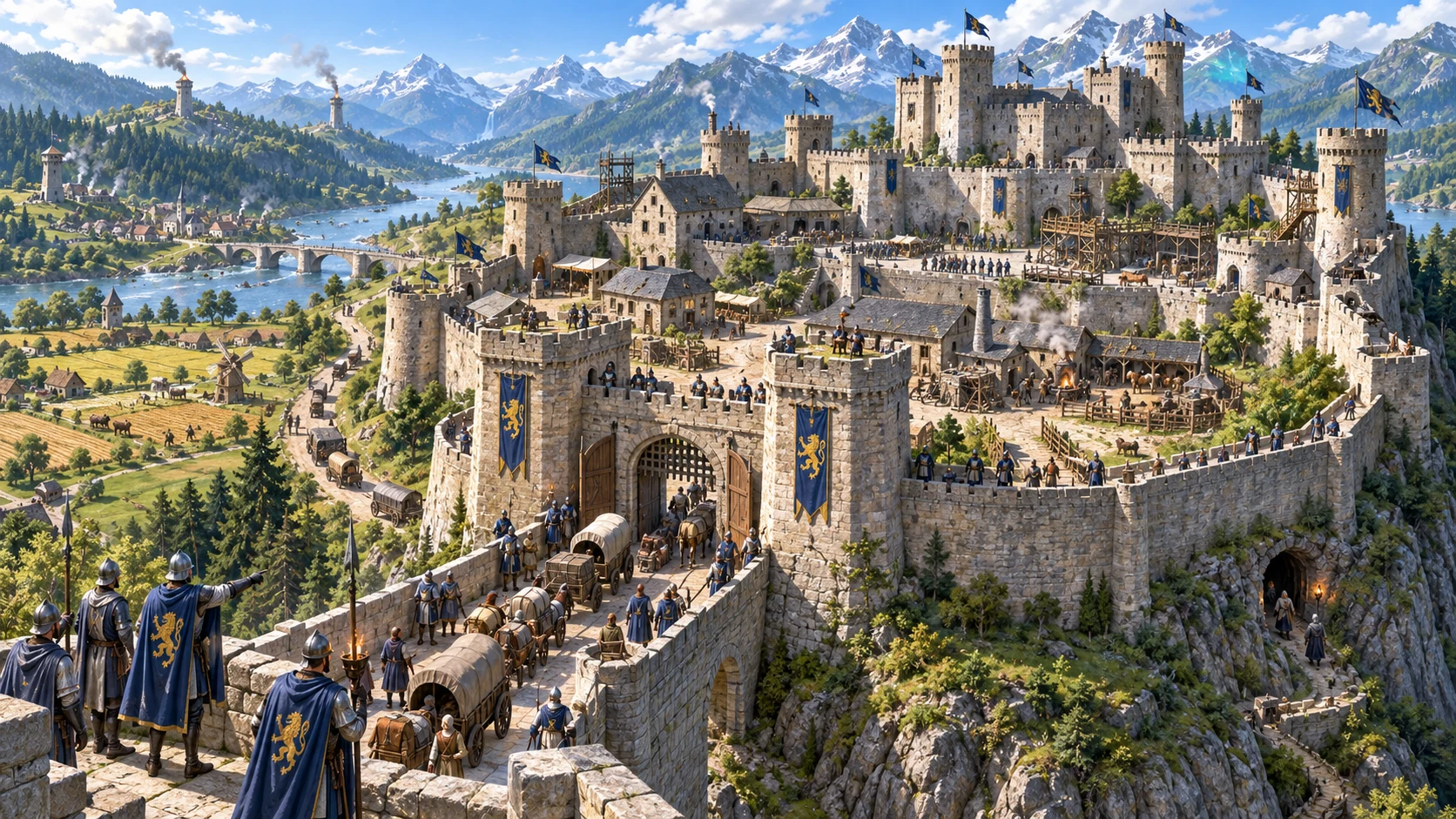
Look beyond the walls
Review guards, patrols, stores and readiness alongside the site.
This fantasy illustration is not an application screen or generated image output.
From a frame to a dossier
Quick and Deep share the same builder, with extra controls visible in Deep.
Set type, scale, owner and defence tier. Quick retains previously selected Deep values.
Deep exposes terrain, wealth, age, condition, staffing, magic, supplies, readiness, secrets, civilians and command quality.
Check descriptive connections, staffing shares, supply estimates, private text and scene eligibility. Accept only the material that fits your table.
Use scoped rerolls or structured editing, review dependent sections, then save manually or choose your audience for JSON export.
What the tool provides
Eight capabilities support stronghold preparation, reviewed sharing and account records.
Choose a stronghold type, scale, owner and defence tier. Deep adds terrain, condition, garrison, supplies, readiness and other setting details.
Prepare an authored dossier covering approaches, a gatehouse, courtyard, barracks, command core and service yard, with descriptive walls, gates and towers.
Review scale-based staffing estimates, role shares, officers, watch routines and patrol descriptions. Apply individual statistics and table decisions yourself.
Read stores, service areas, planning estimates and scenario notes. Supply days are fixed estimates rather than a running consumption simulation.
Keep private weaknesses and secret-access notes beside a separate player exterior. Review generated and edited text before choosing what to share.
Reroll defences, garrison, logistics, readiness or secrets, with locks for the selected area. Review retained sections after changing controls or JSON.
Save through your DCC session, search library records and reopen current or earlier results. Same-record saves retain up to ten earlier snapshots.
Copy or download the chosen DM or player JSON. With separate Combat PRO access, prepare one eligible scene and review its imported details.
Choose the situation
Controls supply authored descriptions and preparation estimates rather than a running siege simulation.
Prepare six types across four scales. The dossier keeps a fixed zone structure while descriptions and estimates reflect selected controls.
Prepare damaged, besieged or captured contexts and readiness notes. Review which encounter scenes remain appropriate.
Use capacity, role shares, watch routines and supply-day estimates. Headcounts and stores need your judgement when applying campaign consequences.
Keep private weaknesses and access notes beside public-facing descriptions. Check secret consistency and edited text before sharing.
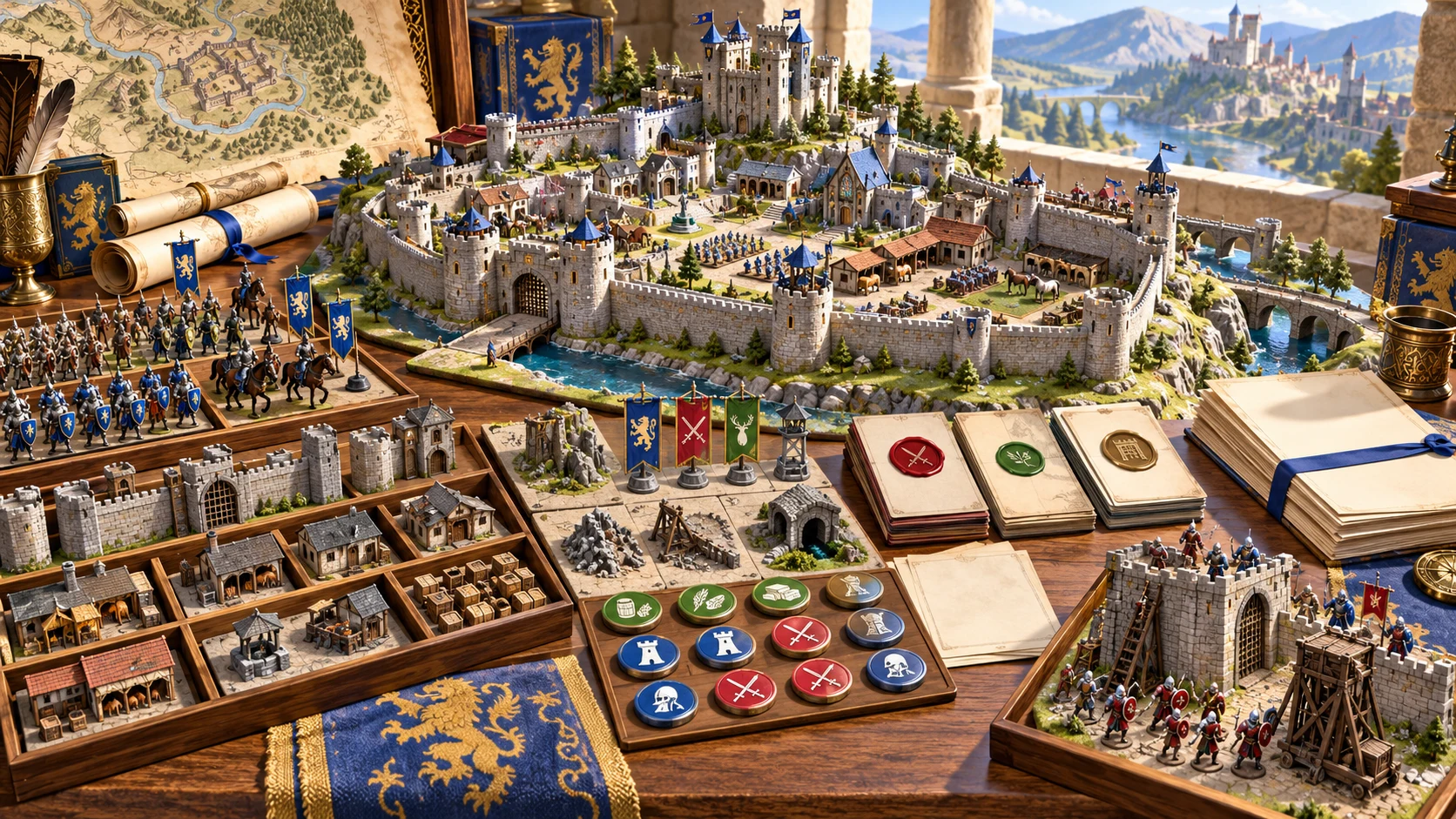
Keep the accepted preparation
Review descriptive zones and notes before turning them into encounters.
This fantasy illustration is not exported application output or a generated map.
Revise with intent
Selected area revision, full generation and structured edits have different effects.
A seed works with a counter. A later generation with the retained seed can save as another version of the same record; variation does not create a wholly new layout.
Only the selected target lock prevents that scoped reroll. Full generation ignores locks and replaces the result.
Changing controls before a scoped reroll can mix new details with retained parameters. Check names, staffing, readiness and combat scenes together.
JSON editing does not rebuild dependent sections. Save checks selected structure and bounds, rather than every connection or privacy boundary.
Account records and audience review
Manual records, player exports and Combat PRO preparation have distinct boundaries.
Save through your DCC session. The same record ID keeps up to ten earlier snapshots. Open restores results and notes without restoring form controls.
Copy or download the player exterior in its selected audience view. Inspect edited fields and nested titles before sharing.
With separate Combat PRO access and capacity, send one eligible scene. Review its named placeholder and supply appropriate owned stat blocks before use.
The stronghold, garrison and siege context remain in the dossier. The handoff does not activate combat or synchronise subsequent edits.
Choose access for your toolkit
Fortress & Castle Generator is a paid standalone tool. Create a free account first, then review your selection and subscription.
Select Fortress & Castle Generator individually. Creating a free account does not by itself include paid generator access.
Choose a five-generator pack for other eligible standalone tools alongside this one. It provides selection capacity, not automatic access to every VISINVOKE product.
Review larger selected-generator packs in your account. Check the generators, subscription and reselection terms before choosing your toolkit.
Combat PRO, Battlemaps and image systems have their own access models. Standalone generator subscriptions do not include image or animation credits.

Use defensive spaces, staffing and stores in your preparation notes.
Review authored estimates and apply your own setting rules and consequences.
Start Here and How Do I help cover preparation, refinement, sharing, account saves and selected combat scenes.
Save deliberately, retain exported records and review earlier results when revising the site.
Build your tabletop toolkit
Each card opens that product’s website. Review purpose and access separately; related products do not promise included access or automatic synchronisation.

Discover and open your supported Windows products through one connected VISINVOKE account.
Explore environment packs for tactical locations and the places your encounters unfold.
Review prepared opposition, tune creature statistics and run tabletop encounters with its own access.
Create focused character, monster, item and location images to complement your tabletop preparation.

Create guided commercial visuals for websites, brochures and wider creative projects.
Explore a separate futuristic RPG experience with its own world, characters and progression.
Product artwork illustrates strongholds and preparation, not application screens or actual generated image output.
Quick answers
Understand authored estimates, retained sections, saved records and selected scenes before opening the tool.
Quick offers six stronghold types, four scales, six owner categories and four defence tiers. Deep adds terrain, wealth, age, condition, garrison strength, magic, readiness, supplies, secret access, civilian load and command quality. Both modes use the same builder; Quick retains previously selected Deep values. Twelve presets adjust selected controls rather than introducing separate generation systems. The result is an authored defensive-location dossier with six fixed zones, two gates, three tower entries and two patrol entries. Descriptive connections need review. It does not generate procedural geometry, graphical maps, complete room plans or an engineering model.
Small, medium, large and vast profiles use capacities of 120, 240, 360 and 480. Skeleton, reduced, full and reinforced garrisons assign one quarter, half, three quarters or all of that capacity. Role shares can round short of the assigned total. Patrol sizes and stables also follow the selected scale. Scarce, limited, adequate and abundant supplies use planning estimates of 7, 18, 45 and 90 days. These do not tick down or recalculate for civilian headcount. Defence tier and magic add descriptive labels rather than siege-strength or ward calculations. None known removes the secret-entrance list, while other secret-access choices use an authored water-postern entry. Review related DM text for consistency, then apply your own setting rules and statistics.
Generation uses a seed with a counter, so a seed alone does not replay an exact record. The seed-derived record ID remains the same when you generate again with that seed, and a later save can become another version of the same record. Seed variation mainly changes authored names, rather than producing a wholly new defensive layout. Scoped rerolls replace defences, garrison, logistics, readiness or secrets on the existing result. Only the selected target lock is checked; full generation ignores locks. Changing controls before a scoped reroll can mix new fields with retained parameters or summaries. A garrison reroll does not rebuild combat scenes; a readiness reroll does. Secrets revision can leave an exterior name differing from the retained identity. JSON editing does not rebuild dependent fields. Save validation checks selected structure and bounds, not complete semantic consistency. Review the whole dossier after revision. There is no undo or redo control.
Save manually writes the library through your existing DCC session. Updating the same record ID retains up to ten earlier result snapshots. Search covers title, stronghold type, size, owner and current notes. Open restores the result, current record notes and saved area locks in DM view; it does not restore form controls, seed or the generation counter. Opening an earlier result uses the current record notes. Duplicate creates a new ID and a Variant title, but nested exterior titles can retain the earlier name and notes come from the current workspace. Review duplicates before keeping them. Notes belong to the library record and are not included in the exported result JSON. There is no autosave, offline account fallback, conflict merge, dedicated rename, delete, import or archive control. Avoid conflicting whole-library saves from several windows.
Copy and Download use the complete DM record in DM view and only the player exterior when that audience is selected. The generated exterior describes the public name, type, terrain, owner, visible architecture, activity, access and warnings. Private weaknesses, secret entrances, supply truth and DM problems remain in the DM record. Review edited JSON before sharing: the limited text check is not a privacy guarantee. Print uses the rendered page. Preparation panels and an open structured editor can remain in print output, so finish editing and inspect print preview and page selection, especially before sharing a player view. There is no dedicated PDF or graphical-map export. Illustrations on this website show the subject of fortress preparation; they are not generated application output.
Choose one eligible gate assault, wall breach, courtyard fight, keep defence, patrol encounter or sortie. Availability depends on the condition, readiness and garrison when scenes were prepared, and can need review after other rerolls or edits. The handoff sends a selected objective, named zones and an inactive boundary note. It does not send the entire fortress, garrison, secrets, supplies or wider siege state, and it does not activate combat. It includes a named placeholder asking you to select appropriate owned stat blocks; remove or replace that placeholder and review the encounter before use. Your existing DCC session, separate Combat PRO entitlement and saved-encounter capacity are required. Repeating the same record and scene is treated as a duplicate rather than synchronising later edits. Building & Interior, Dungeon, Battlemaps and strategic siege tools remain separate products with their own purposes and access.
Continue in VISINVOKE
Create a free VISINVOKE account and choose the required generator access.
Get Desktop Command Centre from your account installer page. Sign in on Windows, then open Fortress & Castle Generator.